
Tools for Everything NFC
Check a transit balance, see the photo stored in your passport, or put a link on an NFC tag. NFC Utils reads the data your cards expose and gives supported chips their own writing and configuration tools.


Free on iPhone Duo, iPhone, iPad, Mac, and Android.
Let the Duo Guide You
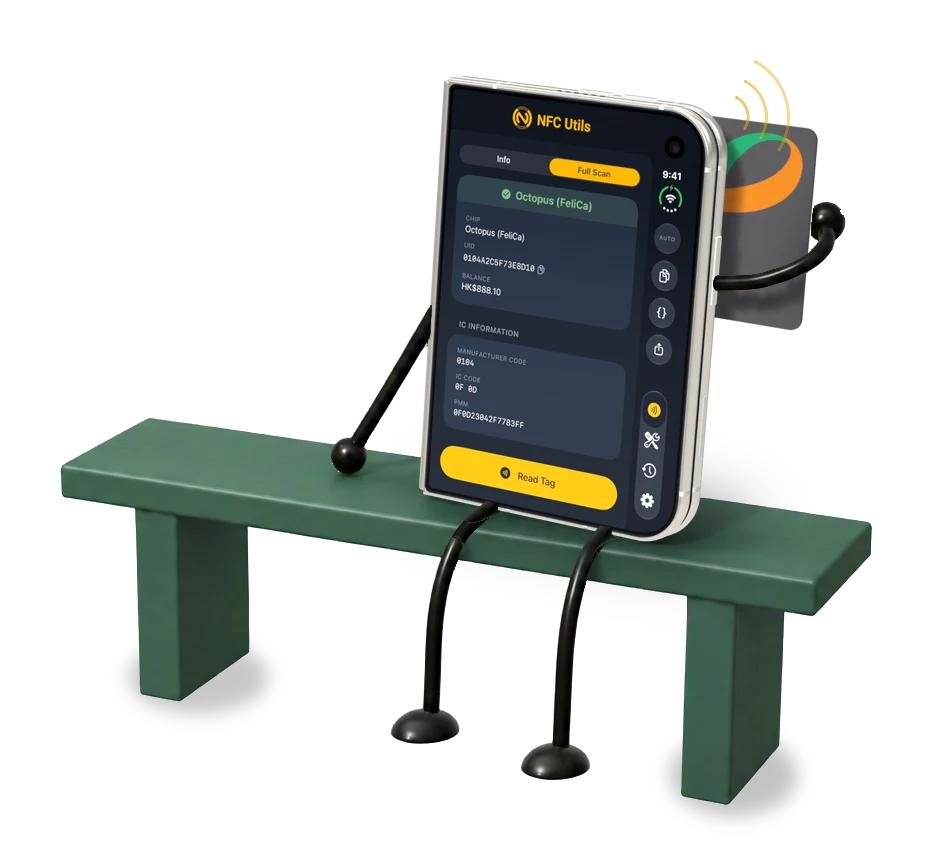
We refactored our entire app to support the iPhone Duo and to provide users with a comfortable way to explore hands on while RTFMing. The split view works the same on Android foldables, and also comes to the iPad. We designed the entire app to be a foldable first app.
Setup NDEF Info
Encode a link to your website, product page, or contact page, and reset already written cards that aren’t write locked. There’s no need for fancy NFC business card apps. You can make your own for free.
Count the Taps on a Tag
Enable the counter on an NTAG213, NTAG215, NTAG216, or an NTAG424. You can get analytics from real world deployed tags and pass that along with your app to know how many people scanned a menu or product information in your store.
There are many uses for RFID tags that NFC Utils can tackle in a few taps.

Read the Chip in Your Passport
Scan the machine readable zone (MRZ) on the photo page, tap Unlock, and hold your iPhone to the passport. NFC Utils reads the holder details and the embedded photo on your device and you can download it privately.
This is why we don’t play around with your data and the app works entirely offline. We don’t collect any telemetry at all in the app. We don’t use Firebase, and we don’t know anything except the data Apple harvests and we’d honestly prefer they not collect.
Check the Chip’s Factory Signature
Check an NTAG’s factory signature against NXP’s public keys. Our company exists to stop counterfeiting, and not just through our selling our products, but also by empowering end users to have the tools they need to protect themselves. That’s why this app is free without a catch. We win when other people learn it is what we do.
NTAG is a registered trademark of NXP. If someone sells you a tag claiming to be an NTAG and it doesn’t pass this test, then you now have the means to fight back.

Protect a Tag With a Password
On supported NTAG 21x and Ultralight EV1 tags, require a password for changes while keeping the link readable. Passwords do not encrypt the memory. Permanent locks cannot be undone.

See What Your Bank Card Returns
See the account number, expiry date, cardholder name, and payment applications your card exposes. Some cards withhold fields or refuse the read. NFC Utils does not make payments, read your PIN, or authenticate the card or its holder.
Use an Android phone’s NFC or a supported reader. iPhone, iPad, and Mac need USB or ACS Bluetooth.

Keep a Record of Your Reads
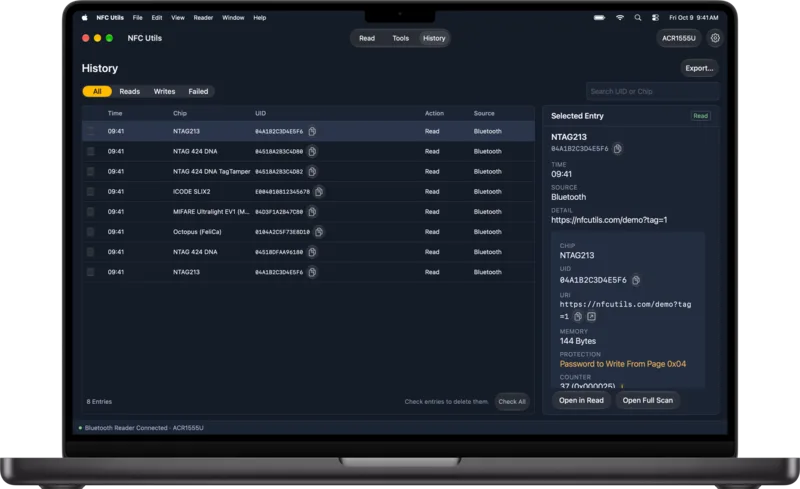
History saves successful reads on your device, including the full result and passport images. Reopen a read or share it as text or JSON. Turn off Save History to stop saving new entries.
Read With a Phone or a Reader
Read through your phone’s NFC or connect an external reader. iPad and Mac require a reader.
Phone NFC
Use an NFC-capable iPhone or Android phone. NFC Utils requires Android 12 or newer.
ACS Bluetooth
Connect a supported ACS Bluetooth reader, such as the ACR1555U.
ACS USB
Use a supported ACS USB reader or another compatible USB CCID reader on Android, iPhone, iPad, or Mac.
NFC Utils on Android
NFC Utils needs Android 12 or newer and is on Google Play. Phones and cover displays keep tabs at the bottom, while wide windows use a side rail for tabs and toolbar buttons beside a centered reading column. Turn, fold, or unfold your device and the app keeps your open page, result, and any text you are typing. With a foldable half open, buttons and cards stay clear of the fold.

Life is Like a Box of Used NFC Tags
You never know what NDEF you’re gonna get...so don’t get confused by everything new coming at you. Let our guide make sense of things for you. We go over everything from the basics for beginners, to advanced low level features for the experienced developer.
RFID for Free
NFC Utils is free for iPhone, iPhone Duo, iPad, and Mac. Android is available separately on Google Play. We now support foldables there too!