
Browse Guides and Sections
Start Here
Card Groups
References
NFC Utils Guide
Transit and FeliCa
Read the public purse a supported card exposes, inspect its FeliCa systems, or work with read presets. The available data depends on the card and issuer.
Read a Supported Balance
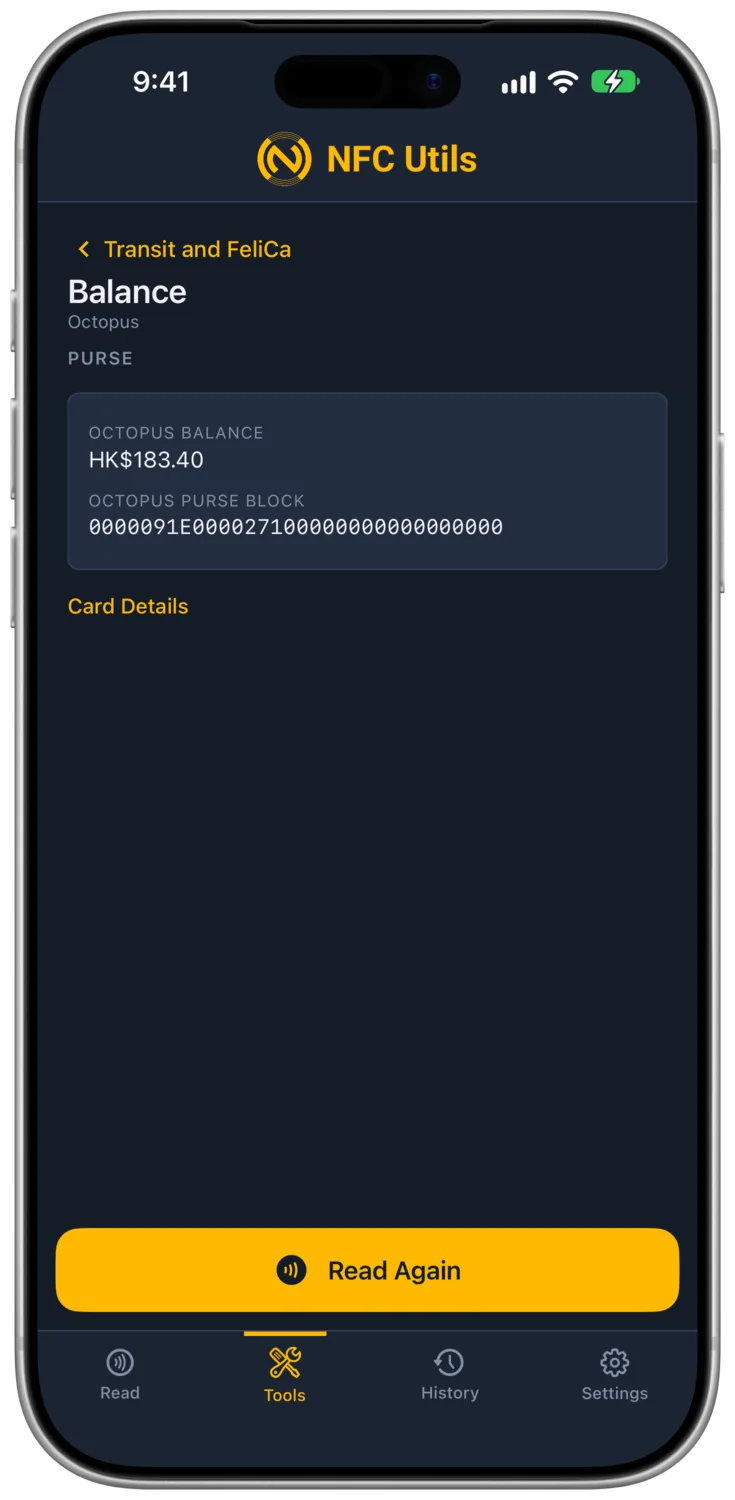
- Read the card, then open Tools. The matching transit profile is selected.
- Open Balance to view the readable public purse.
- Use Read Again to refresh it after presenting the card.
| Card | Value |
|---|---|
| Octopus | Hong Kong dollars. A readable negative amount is shown as negative. |
| Shenzhen Tong | Chinese yuan from the supported public purse. |
| Japan IC / Suica Family | Japanese yen on supported cards exposing the public service. |
| Octopus and Shenzhen Tong | Separate purse results when both systems and services are readable. |
| Macau Pass | Macau patacas as the spendable balance, after the issuer's MOP 10 float is deducted. |
A refused or unavailable service does not mean the balance is zero. The app reports the information it can read.
Macau Pass is Macau's stored-value card for buses, the LRT, shops, and restaurants. It is not a FeliCa card. NFC Utils reads its purse balance and its first and last day of validity from the card's public file, on the phone antenna or through a supported USB or Bluetooth reader, and no key or account is needed. The issuer loads a MOP 10 float into the purse before the card is sold, which is what lets one fare take the balance below zero. The app deducts that float and shows the spendable balance, the same figure the Macau Pass app shows, and Full Scan lists the float on its own row named Issuer Reserve. Journey history, top-ups, the printed card number, and cardholder identity are not available.
Inspect the Systems
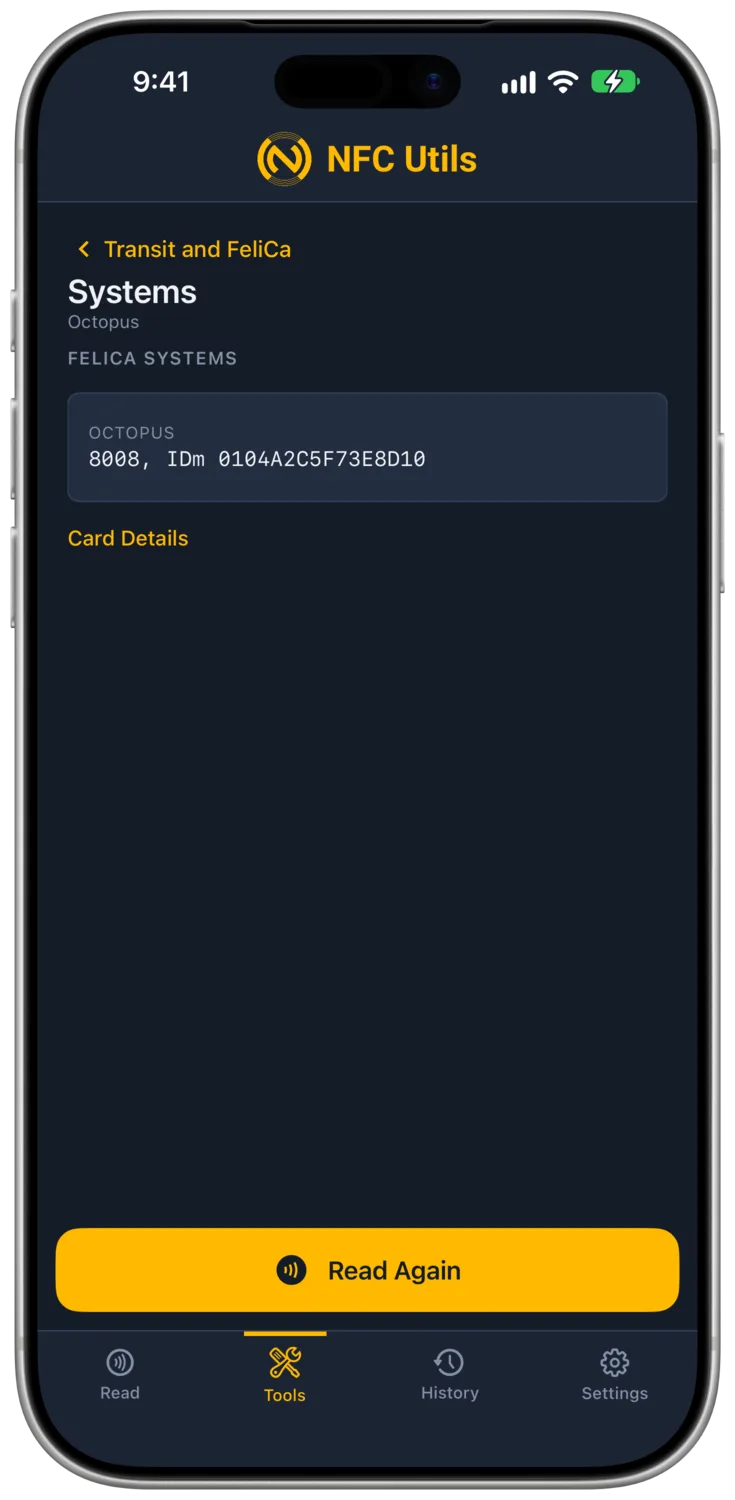
A FeliCa card can expose more than one system. Systems shows the returned system codes and their details. Card Details shows the available card identification. Full Scan on the Read tab provides the broader readout.
Each system can return its own IDm, the identifier used for subsequent commands. The app polls the selected system and uses that identifier, including on dual Octopus and Shenzhen Tong cards.
Other FeliCa profiles offer Systems, Card Details, and Raw Commands. A generic balance decoder is not included. Write and Erase use Type 3 NDEF when the card exposes the NDEF system (12FC) with a writable attribute block. Edit Blocks reads or writes one 16-byte block on an unencrypted service and reads it back. Services that require authentication cannot be read or written.
Use FeliCa Read Presets
Raw Commands offers Polling, Request System Codes, Request Purse Service, and Read Public Purse. Choose the system and command. The app polls afresh before using the current system IDm. Purse service presets apply only to Octopus, Shenzhen Tong, and Japan IC.
Custom frames include the FeliCa length byte. Invalid lengths or stale addressed identifiers are refused, but a correctly formed custom command can still change a card. The Raw Commands guide explains the frame format.
Choose a Reader
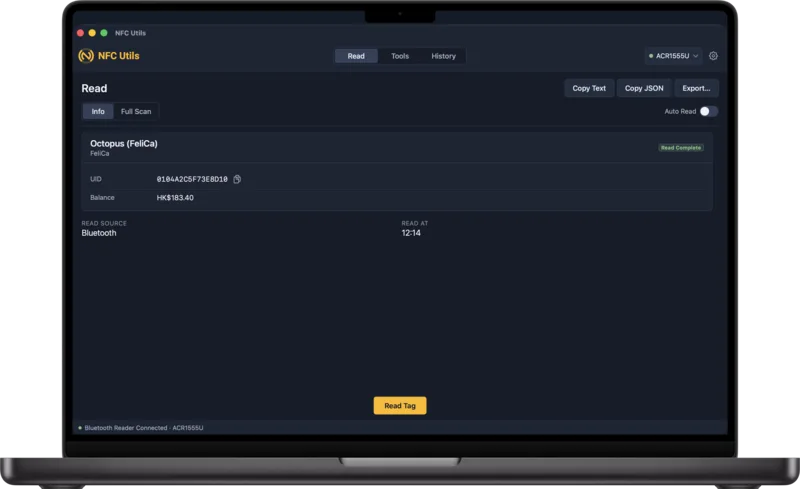
Use the phone’s NFC antenna or a compatible USB or ACS Bluetooth reader. iPad and Mac require an external reader. The app supports Octopus reading over USB and Bluetooth on Apple and Android platforms.
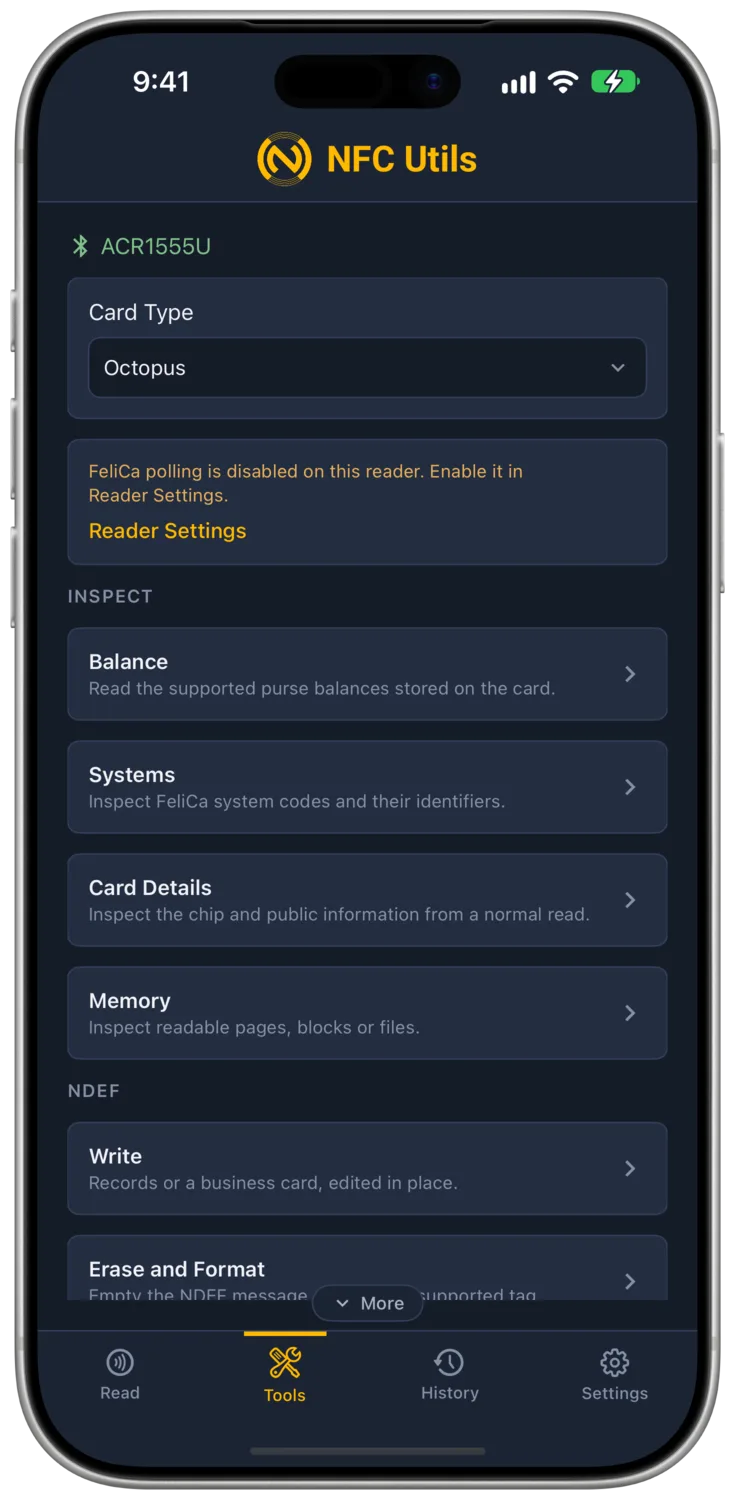
If a connected reader does not detect a FeliCa card, check Card Types Polled. Apple changes supported ACS polling settings over Bluetooth; Android can also use the USB settings channel. See Reader Polling.
When the linked reader is known to have FeliCa polling switched off, the transit tools show that notice above the tool list, with a Reader Settings link inside it.
Understand the Limits
These tools read supported public information. They do not add value, transfer balances, change a purse, read journey history, or retrieve issuer-protected cardholder identity. A compatible FeliCa chip can still refuse a service.
An NXP factory signature, where another card supports one, does not authenticate a transit purse or issuer account. The displayed balance is the readable value stored on the card.