
Browse Guides and Sections
Start Here
Card Groups
References
NFC Utils Guide
Inspect a Bank Card
A bank card decides which records it exposes. NFC Utils puts the available account details in Info and the payment application data in Full Scan. No user-supplied key or PIN is needed for this inspection.
Start With a Normal Read
Choose a compatible reader, start a normal read, and present the card. NFC Utils looks for payment applications, requests their processing options, and reads the records they expose.
A bank card has no Tools profile of its own, so the read selects the Generic Type 4 card type in Tools. Keep the card in position until the read finishes.
Read the Available Details
The card may omit a field or refuse a command. Missing or refused data stays unavailable.
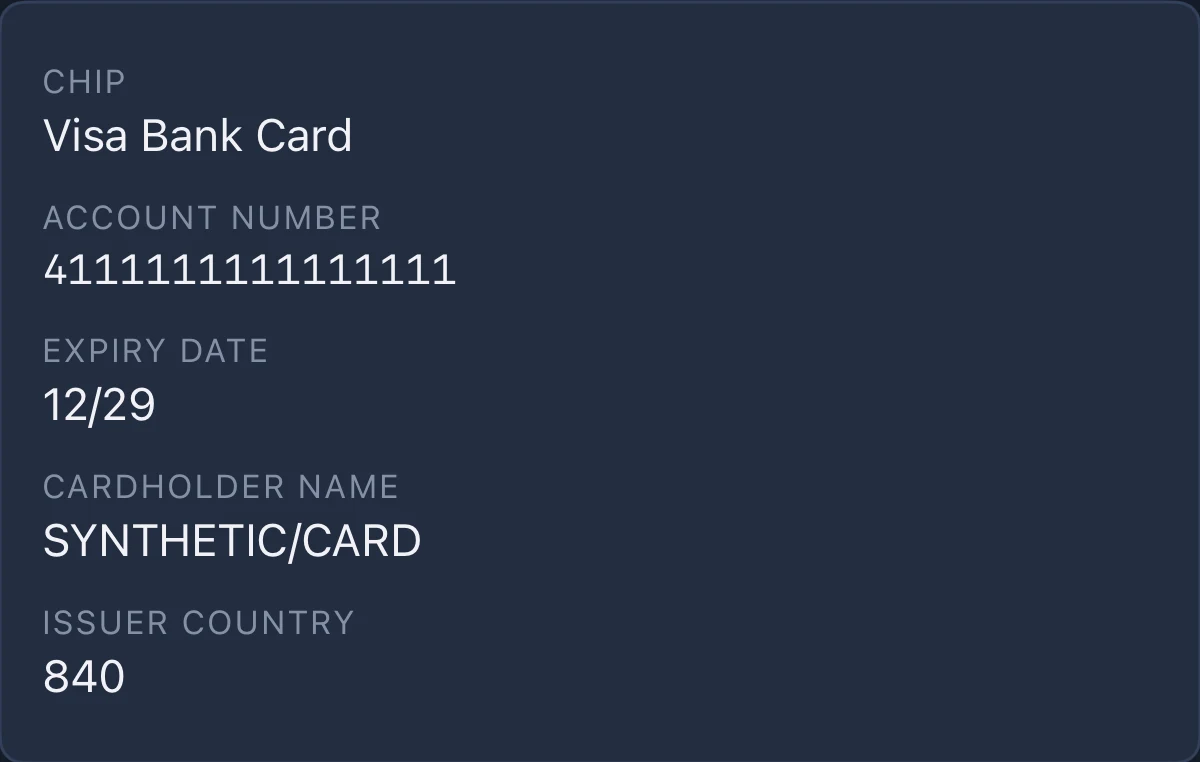
- InfoSee the payment scheme and any account number, expiry date, cardholder name, and issuer country returned by the card.
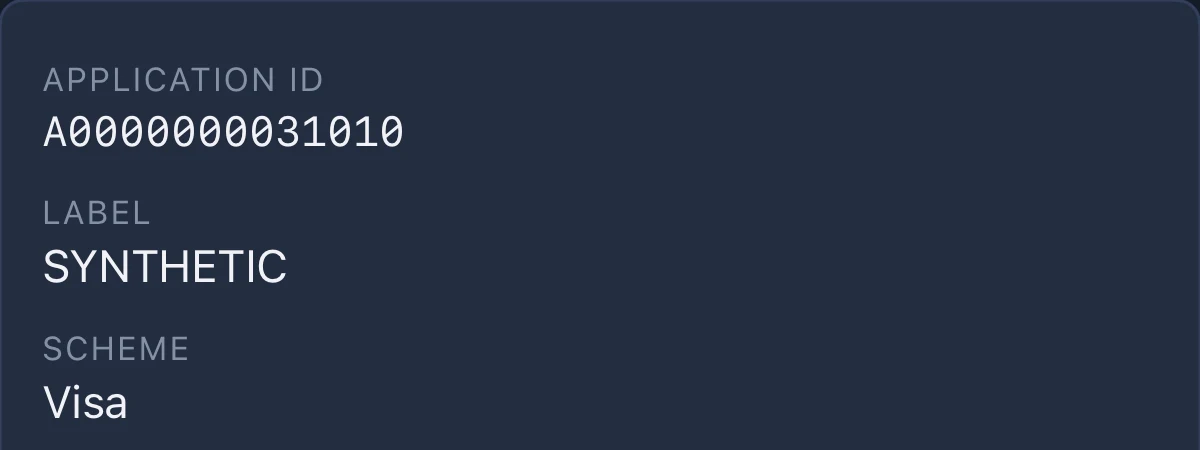
- Full ScanInspect each application’s identifier, label, and payment scheme. Readable EMV fields can include the Application Interchange Profile, Application File Locator, requested terminal data, and cardholder verification methods.
- Readable CountersThe app also requests the application transaction counter and PIN try counter. A PIN try counter is a count of remaining attempts, not the PIN itself.
Choose a Compatible Reader
- AndroidUse the phone’s built-in NFC antenna, a supported USB reader, or an ACS Bluetooth reader. Android reader support covers contactless cards only.
- iPhone, iPad, and MacUse a supported USB reader or an ACS Bluetooth reader. The iPhone’s built-in NFC rejects payment application identifiers and ends the session.
- Inserted ChipOn iPhone, iPad, and Mac, a compatible USB reader’s contact slot can also inspect an inserted chip. ACS Bluetooth readers read contactless cards only, on every platform.
The Interface row shows Contactless or Inserted Chip. Compatibility depends on the card, reader, and operating system.
Reader Compatibility →What the Read Cannot Establish
The inspection does not make a payment, read or verify a PIN, or authenticate the card or its holder. The returned data does not establish that the card, account, or holder is genuine.
An absent field is unavailable data, not a zero or an empty value. A refused command alone does not establish that the card is locked.