
Browse Guides and Sections
Start Here
Card Groups
References
NFC Utils Guide
ICODE and ISO 15693
Choose SLIX2 for its password and protection tools, SLI or SLIX for standard tag operations, or another ISO 15693 profile for accessible-memory inspection.
Overview
Everything here is ISO 15693 plus the NXP custom command set of the SL2S2602, the ICODE SLIX2. Memory is 80 blocks of 4 bytes, and block 79 is a counter. The chip keeps four passwords, one per purpose, and a set of shop-floor features the NTAG chips lack.
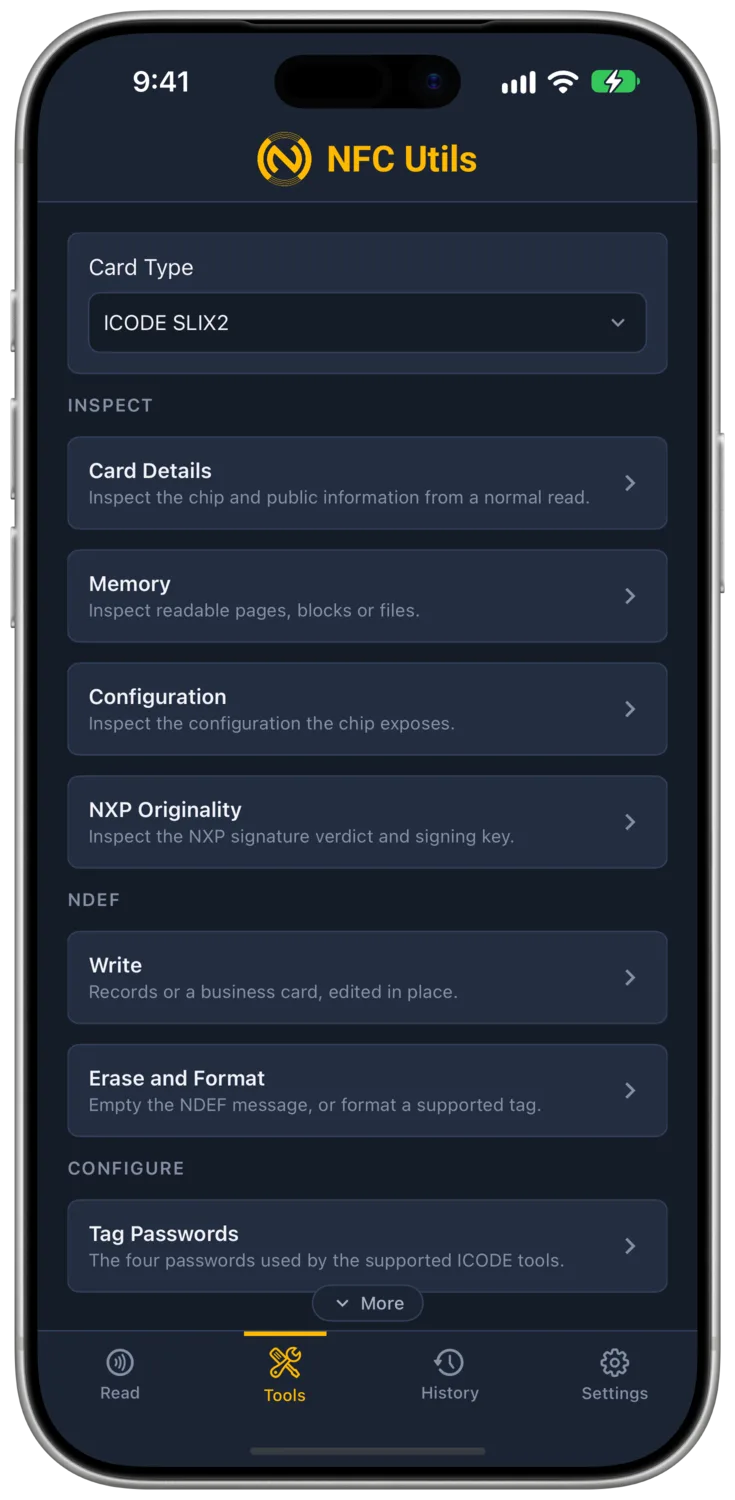
The ICODE SLI or SLIX profile retains Write, Erase and Format, EAS, AFI and DSFID, and the permanent standard Lock a Block action. It omits SLIX2 Tag Passwords, Protect Pages, and Lock Protection. Other ICODE and ISO 15693 profiles provide information inspection, Write, Erase and Format, Edit Blocks, block-lock Protection, AFI and DSFID, and raw commands.
Write, Erase and Format
Write uses the composer shared by supported NDEF profiles, with Records and Business Card modes, "Load From Tag" for edit in place, and a "Write Tag" or "Write Card" button that stays grey until something complete is in the composer. The NTAG 21x page describes the composer in full.
Erase Tag writes an empty NDEF message and zeroes the user memory. Format as NDEF also writes the capability container a blank tag needs before it can hold NDEF, which a tag that arrives from the factory unformatted, or one another app corrupted, needs once. Both touch the NDEF data only. On SLIX2, they leave block 79, the counter, alone and say so. Passwords, protection and configuration stay exactly as they were.
Tag Passwords
This tool belongs to ICODE SLIX2. SLI/SLIX and generic ISO 15693 profiles do not receive its password commands.
- What It Is
- Four 32-bit passwords, 8 hex digits each, one per purpose. Read, Write, Privacy, and EAS and AFI. A fresh chip has them at zeros. Each guards the commands named after it, and each is access control on a plain memory chip rather than encryption.
- What Changing It Does
- The commands that password guards accept a different value afterwards. Nothing a phone sees changes.
- What It Needs
- The current value of each password being changed.
- Undo
- Change again, unless locked with Lock Forever.
How a Password Is Presented
Four fields hold the passwords for the session. Nothing is read before a scan. The app sends what was typed and the chip accepts or refuses it. The chip forgets a presented password the moment it leaves the field, so every tool presents the ones it needs in the same exchange as its own command, and the confirmation modal lists those SET PASSWORD steps first. Passwords are sent as four bytes in the order typed, masked with the chip's random number as the data sheet requires. A rejected password silences the tag until it is lifted, which is why a failed test says so and stops there.
The choice list below the fields applies to whichever fields are filled, so several passwords change in one tap.
Test
Presents every typed password and reports each as accepted or rejected.
Change
Shows a new-value field per password with a Generate action. Each filled one is presented and rewritten in turn.
Lock Forever
Shows a switch per password. A locked password can never be changed again.
Enable Privacy
Sends the Privacy password with the ENABLE PRIVACY command. Afterwards the tag answers nothing but a password check, so no phone can find it, and this app cannot bring it back. Only a desk reader that speaks to the tag without an inventory can present the Privacy password and wake it. The button stays off until a Privacy password is typed, and the job confirms under "This Cannot Be Undone" with "Hide It" on the button.

Protection
SLIX2 offers the three actions below. The SLI or SLIX profile offers only the standard Lock a Block action.
Protect Pages
- What It Is
- A pointer block that splits user memory into Page L, the blocks below the pointer, and Page H, the pointer and up, with read and write protection set for each. Pointer 0 makes the whole memory Page H. Block 79, the counter, is never covered.
- What Changing It Does
- A protected page needs the Read or Write password afterwards. A write into a write-protected page without the password is refused, and the Read tab's Protection row names the protected block ranges.
- What It Needs
- The Read and Write passwords, both to set and both to clear.
- Undo
- Protect Pages again with every switch off, unless Lock Protection has been applied.
Lock a Block
The standard ISO 15693 lock on one block. Permanent.
Lock Protection
Freezes the pointer and the page conditions forever. It only succeeds when the pointer typed matches the one stored on the chip, which the Full Scan shows under NXP System Information.

AFI and DSFID
- What It Is
- AFI is a one-byte application family identifier that readers use to filter an inventory, so a library reader ignores retail tags. DSFID is a one-byte data storage format identifier, a hint about the data format.
- What Changing It Does
- Readers that filter on the family code see the tag under its new family. Nothing else on the chip moves.
- What It Needs
- The EAS and AFI password when that protection has been applied.
- Undo
- Write it again, unless locked. Lock AFI and Lock DSFID are permanent.

EAS
- What It Is
- The anti-theft answer. With EAS on, the chip replies to a gate's EAS ALARM command with a fixed 32-byte sequence, and the gate sounds. Off, it stays silent. A shop gate listens for that sequence.
- What Changing It Does
- Turn On and Turn Off set and reset the mode, so the tag either answers the gate or stays quiet.
- What It Needs
- The EAS and AFI password once Password Protect has been applied. Nothing before that.
- Undo
- Turn it the other way, unless Lock Forever has frozen it.
Check
Sends EAS ALARM and reports On when the tag answers with its 32-byte sequence and Off when it stays silent.
Turn On and Turn Off
Set and reset the mode.
Write EAS ID
Stores a 16-bit identifier for selective alarms, so a gate can alarm on some tags and not others.
Password Protect
Makes on and off require the EAS and AFI password.
Lock Forever
Freezes the state and the ID. Permanent.

What the Read Tab Adds
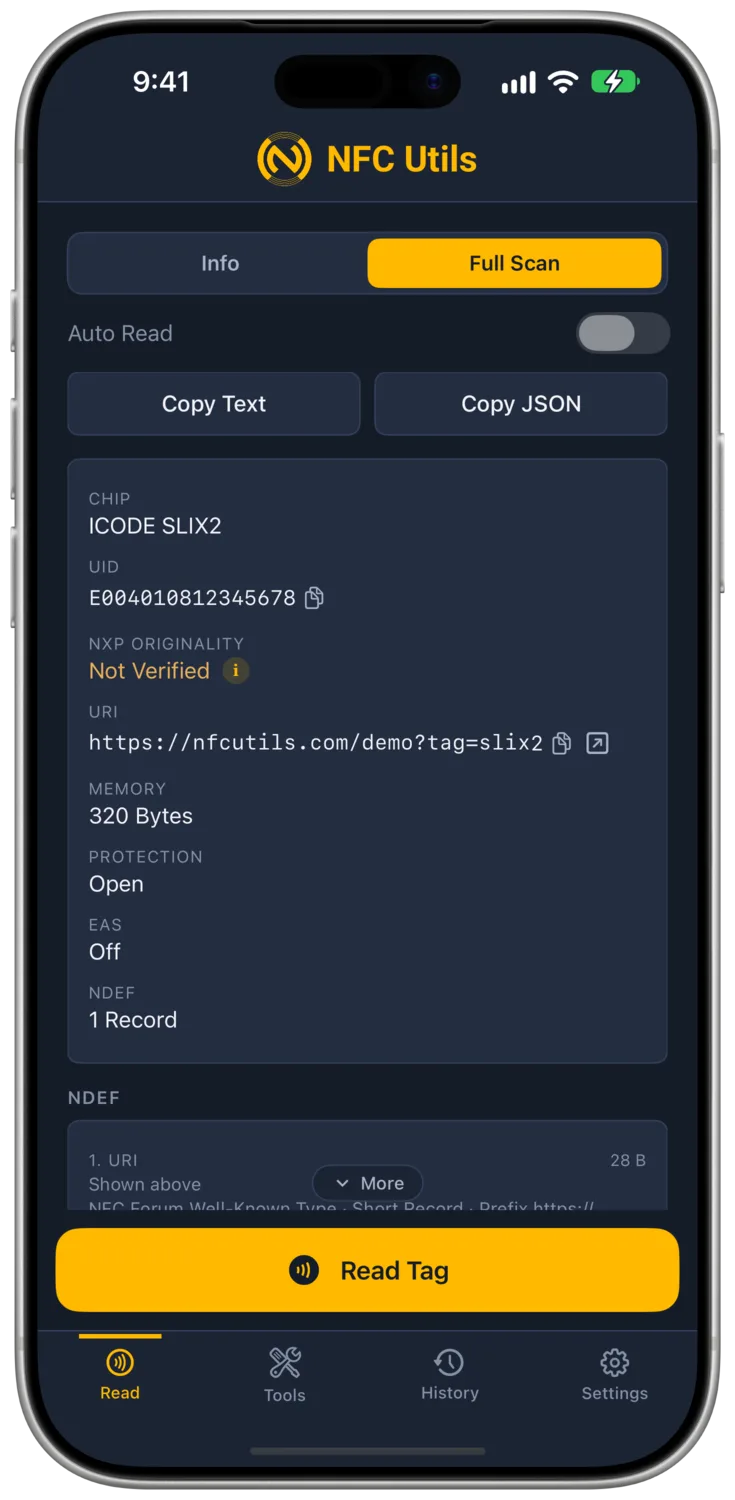
On an ICODE tag the Info card gains an EAS row, and the Protection row names the protected block ranges. The Full Scan gains an NXP System Information section with the protection pointer, the Page L and Page H conditions, the four lock bits for AFI, EAS, DSFID and protection, and the feature flags word, 0x357F on an ICODE SLIX2.
Other ICODE and ISO 15693 Cards
Choose the exact SLI or SLIX profile for its standard tools. For another ICODE or ISO 15693 chip, Card Details, Memory, Configuration, and Raw Commands expose the information the card makes available.
Generic profiles also offer Write, Erase and Format, Edit Blocks, Protection for block locks, and AFI and DSFID. They do not inherit SLIX2 passwords or page protection. Available information depends on the chip and its current protection. The Raw Commands guide explains how the app addresses ISO 15693 frames.
What Cannot Be Undone
| Action | What It Freezes |
|---|---|
| Lock a Block | That block. |
| Lock Protection | The pointer and the Page L and Page H conditions. |
| Lock AFI | The application family identifier. |
| Lock DSFID | The data storage format identifier. |
| Lock Forever Under EAS | The EAS state and the EAS ID. |
| Lock Forever on a Password | That password. |
| Enable Privacy | Not a lock, but the tag answers nothing except a password check afterwards, so no phone can find it. Only a desk reader that speaks to the tag without an inventory can present the Privacy password and wake it. This app cannot. |