Browse Guides and Sections
Start Here
Card Groups
References
NFC Utils Guide
NTAG and Ultralight
The exact chip determines the tools. NTAG210/212 use UID Mirror, NTAG213/215/216 have Counter and Mirror, and Ultralight EV1 has three explicit counters.
Overview
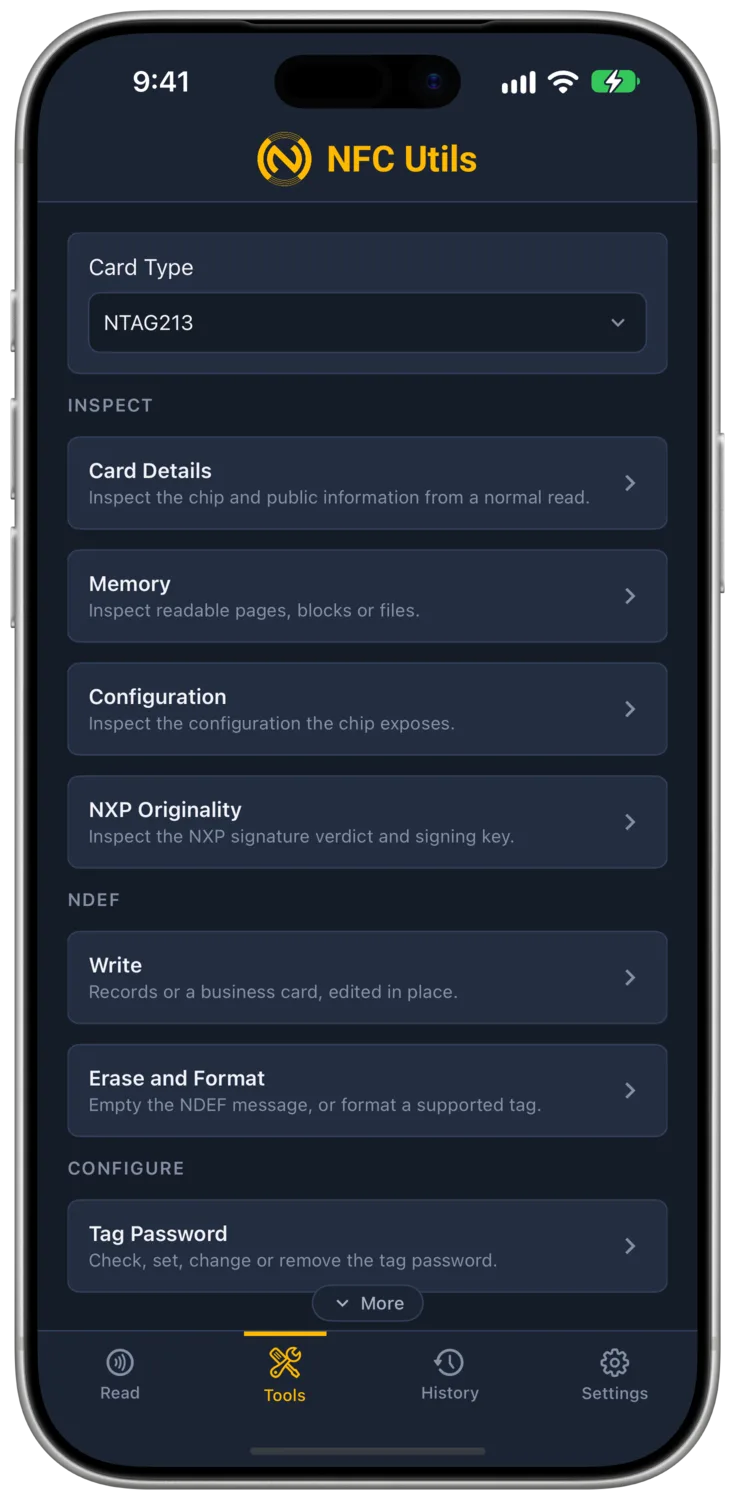
NTAG210, NTAG212, NTAG213, NTAG215, NTAG216, and Ultralight EV1 MF0UL11/MF0UL21 have separate profiles. They support NDEF writing, passwords, and supported tag or configuration locks. Memory uses four-byte pages, with chip-specific configuration at the end.
Every job reads the configuration pages first and rewrites only the bits it owns, so a mirror setting survives a password change and a counter setting survives a mirror change.
Ultralight AES, Ultralight C, original Ultralight, and Nano have separate profiles with Write, Erase, and Lock. Ultralight C and AES add authentication, keys, and protection settings. See Ultralight Inspection for those tools.
Write
Two modes sit at the top of the card, Records and Business Card. The pinned button reads "Write Tag" or "Write Card" and stays grey until something complete is in the composer. After the write the app reads the tag back and compares, and "Matches" means the bytes on the chip are the bytes sent.
Records
Records is the composer. Add opens the record types, URL, Text, Phone, Email, SMS, Location, Wi-Fi, Android App, Contact (vCard) and Custom MIME. Each record is a small card with its own fields and a remove cross. Writing replaces the whole NDEF message on the tag; there is no appending. The byte line under the records shows the NDEF size and, for a Type 2 tag, the size including the TLV wrapper. When the last read told the app which chip it is, the line also names the capacity, such as 24 bytes of 144 on an NTAG213.
"Load From Tag" reads a tag straight into the composer as editable records. That is how edit in place and clone work, and there is no separate clone tool.
Business Card
Business Card writes one record, either a URL card or a vCard. A URL card is a link to any page and works on every phone. A vCard puts the contact on the chip, which iPhone ignores, and the card says so.
Protected Tags
Under NTAG 21x the card reminds you that a protected tag needs its password entered under Tag Password. The write presents that password and nothing else. The drafts live in the app, not the page, so switching families keeps whatever you were composing.

Erase and Format
Erase Tag and Format as NDEF touch the NDEF data only. The password, protection and configuration stay exactly as they were. Both take the password from Tag Password when the tag is protected.
Erase Tag
Writes an empty NDEF message and zeroes the user memory.
Format as NDEF
Also writes the capability container a blank tag needs before it can hold NDEF. A tag that arrives from the factory unformatted, or one another app corrupted, needs this once.

Password
Password tools apply to the supported NTAG210–216 and EV1 profiles. Protect the Counter appears only on NTAG213/215/216; EV1 and NTAG210/212 omit that setting.
One page with a Check tab and a Change tab. The password is access control on a plain memory chip. It travels in the clear, so it stops casual overwriting rather than a determined attacker.
Check
Check takes the password, eight hex digits, sends PWD_AUTH, and reports the PACK the tag returns. It writes nothing. A wrong attempt counts toward the tag's limit when one is set. The value typed here is the one every other 21x tool, Write and Erase included, presents when the tag is protected.
Change
Change offers Set or Change and Remove. Both take the old password first, blank on a fresh tag, so a protected tag is opened before anything is written. Set or Change adds the following fields.
| Field | On the Chip | Meaning |
|---|---|---|
| New Password | PWD page | Eight hex digits the tag will require. |
| PACK | PACK page | Four hex digits the tag answers with on a correct password, so a reader can tell the tag is the one it expects. |
| Protect From Page | AUTH0 | The first page the password covers. Everything from here to the end of memory is protected and pages below stay open. Page 4 protects all user data. |
| Protect Reads Too | PROT bit | Off protects writes only, so anyone still reads every page and a phone still opens the link. On hides the protected pages from readers without the password, so a phone gets nothing if the link sits past the boundary. Off is the setting for a tag people should tap but not rewrite; on is for data that should stay private. |
| Protect the Counter | NFC_CNT_PWD_PROT | READ_CNT answers only after the password. |
| Wrong Attempts Allowed | AUTHLIM | Unlimited, 4, 16 or 64. The chip counts wrong passwords and the count never falls. At the limit it refuses PWD_AUTH forever, the right password included, and the protected pages freeze as they are. Leave it at Unlimited unless the tag guards something. Over a desk reader a rejected password reads as silence, and the app reports it once rather than retrying, since each retry would count. |
Tag Password
- What It Is
- The 8-digit password stored on the tag, plus a 4-digit reply called the PACK that the tag sends back when the password is right.
- What Changing It Does
- Nothing by itself. It is what the other tools present when the tag is protected, and Check sends it and shows the PACK.
- What It Needs
- Nothing.
- Undo
- Not a change.
Password Protection
- What It Is
- A switch that says "from page N onward, ask for the password". Protect From Page 4 covers all the user data.
- What Changing It Does
- With Protect Reads Too off, anyone can still read the tag and a phone still opens the link, but writing the protected pages needs the password. With it on, the protected pages cannot be read without the password either, so a phone tapping the tag sees nothing past that page.
- What It Needs
- The current password if one is already set.
- Undo
- Remove, which needs the current password. If Wrong Attempts Allowed reached its limit, there is no undo.
Remove
Remove opens the tag with the old password and moves AUTH0 past the end of memory, which is how NXP defines "no protection". Some other encoders fail at this step and report that the tag cannot be unprotected.

Counter and Mirror
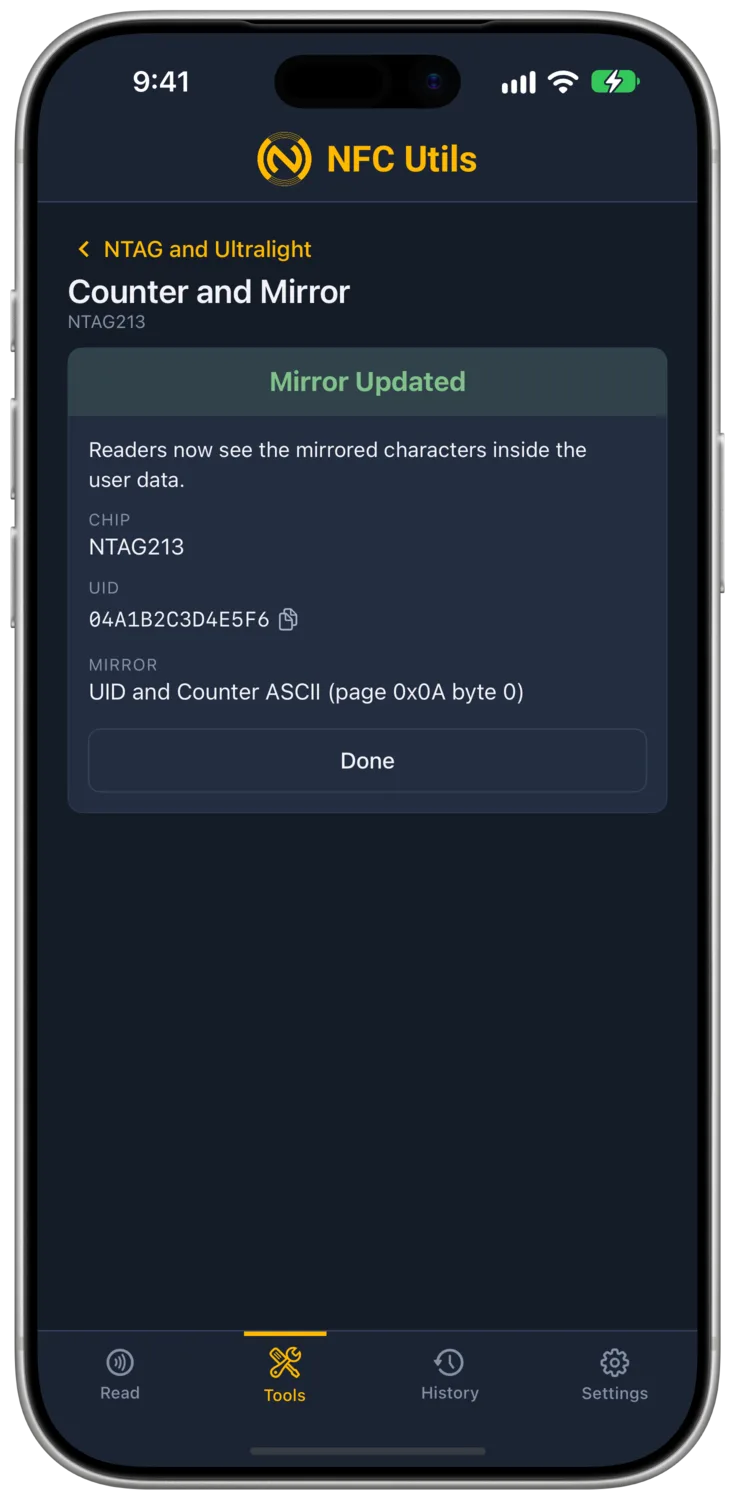
This combined tool is for NTAG213, NTAG215, and NTAG216. NTAG210/212 and EV1 use the separate tools below.
- What It Is
- A 24-bit counter the chip adds one to on the first read after every tap, and a mirror that substitutes a few characters of live data into the user memory as the chip sends out each page. Nothing is stored there. What a phone sees at that spot is what the chip put there at that moment. It is the 21x's small cousin of Secure Dynamic Messaging, with no signature and no key, and only the NTAG213, NTAG215 and NTAG216 have it.
- What Changing It Does
- Enable Counter and Disable Counter flip NFC_CNT_EN. With the mirror placed inside a URL, the link a phone opens carries the tag's serial and tap count, so a web page can tell fifty tags apart and see how often each was tapped.
- What It Needs
- The password when the tag is protected.
- Undo
- Set the mirror to Off and disable the counter. The count itself cannot be reset.
| Setting | Meaning |
|---|---|
| Mirror Off | Nothing is substituted. |
| Mirror UID | The 7-byte serial as 14 hex characters. |
| Mirror Counter | The NFC counter as 6 hex characters. Needs Enable Counter, or it reads as zeros. |
| Mirror Both | UID, then the letter x, then the counter, 21 characters. The x is the chip's fixed separator. |
| Mirror Page | The page where the first mirrored character goes. User memory starts at page 4 and the first pages hold the NDEF header, so with a URL record the text usually begins around page 5 or 6. Pick the page holding the characters you left as the placeholder. |
| Byte Within the Page | A page is 4 bytes, and this picks which of the four the mirror starts at, 0 to 3, so it can line up mid-page with the placeholder. |
The mirror only substitutes. It does not make room. The URL you write has to contain the placeholder characters at that position, 14, 6 or 21 of them, and the mirror has to fit before the end of user memory or the chip ignores the setting. The app checks the page number and leaves the fit to you. Write https://example.com/t?u=00000000000000x000000 first, then set the mirror to Both at the page and byte where the first zero sits.

UID Mirror on NTAG210 and NTAG212
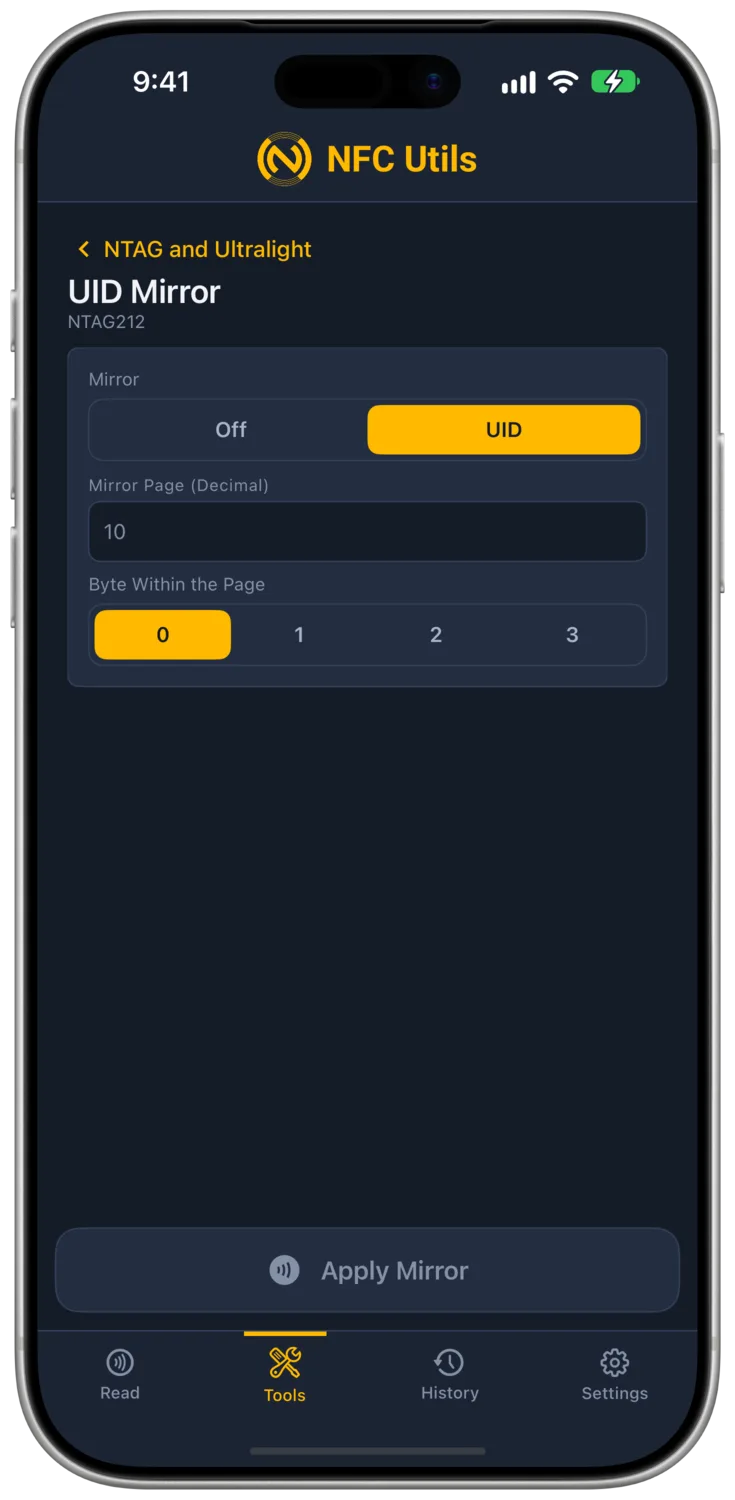
UID Mirror offers Off or UID. Set the mirror page and byte within that page. The chip substitutes its seven-byte UID as 14 hexadecimal characters when the affected user data is read.
Write the placeholder into your NDEF message first and leave enough room before the end of user memory. A password is needed when the relevant configuration is protected. Turn the mirror off to stop substitution.
NTAG210 and NTAG212 do not have an NFC tap counter, counter mirror, or counter-password setting.
Ultralight EV1 Counters
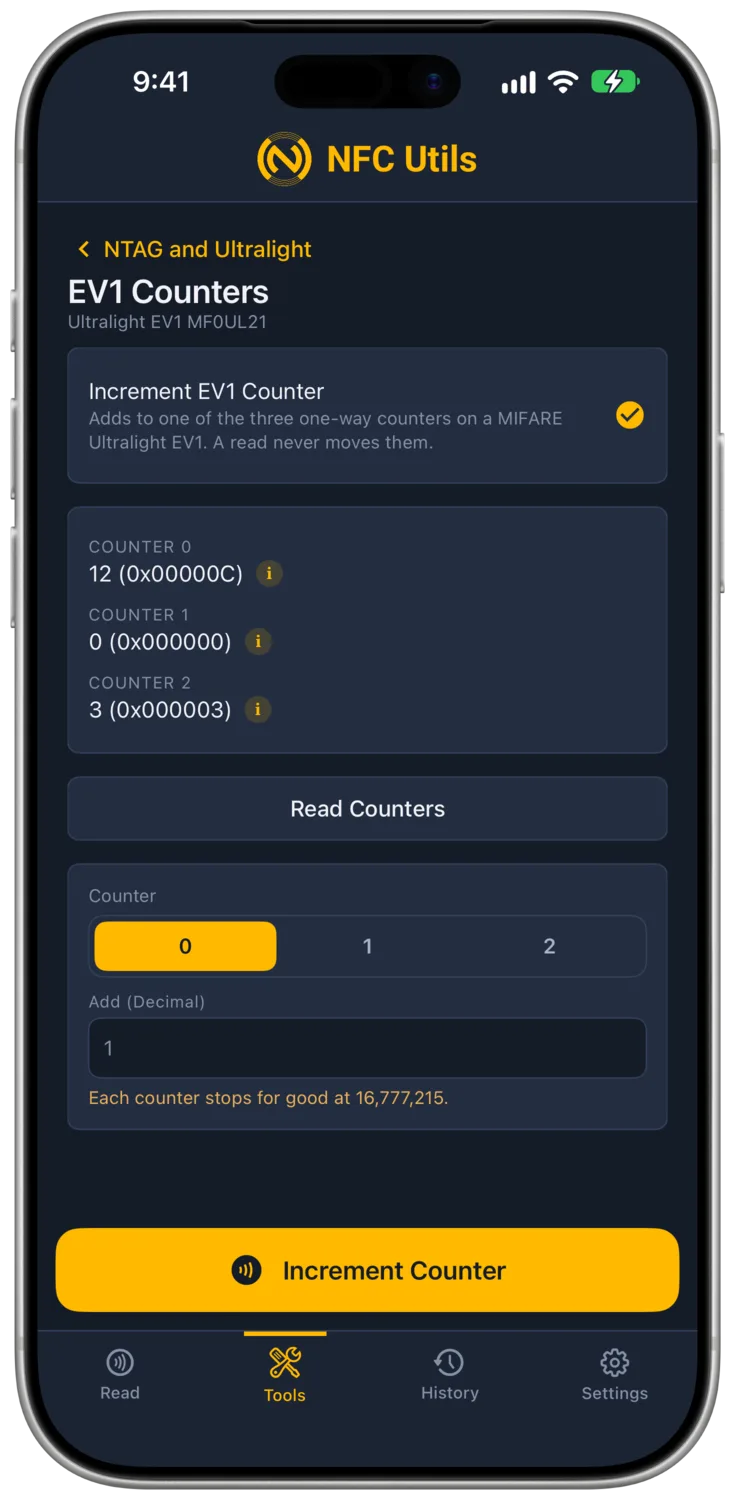
Read Counters shows counters 0, 1, and 2 and flags a reported tearing event. Select a counter and enter an amount under Add (Decimal), then use Increment Counter. The app checks the result.
These are one-way counters. An ordinary read never increments them, they cannot be reset or reduced, and each ends at 16,777,215. The current password is used where required.
EV1 has no ASCII mirror or NTAG-style counter enable switch. Its password and supported configuration lock tools remain available.
Lock
These locks apply to the supported NTAG and EV1 profiles. The app checks the chip and its lock layout before changing it. Ultralight AES, Ultralight C, original Ultralight, and Nano offer Lock on their own profiles.
- What It Is
- Two separate one-way switches. Lock Tag Read Only sets the static and dynamic lock bits on every user page and marks the capability container read only. Lock Configuration sets CFGLCK, which freezes the password window, counter and mirror settings.
- What Changing It Does
- A read-only tag can never be written again by any app. A configuration-locked tag keeps its data pages writable but its settings fixed.
- What It Needs
- The password when the tag is protected.
- Undo
- None. Both locks confirm first under "This Cannot Be Undone", and the modal lists the exact pages it will write.

What Cannot Be Undone
| Action | What It Freezes |
|---|---|
| Lock Tag Read Only | All user data, forever. |
| Lock Configuration | Password, counter and mirror settings. |
| Wrong Attempts Allowed Reaching Its Limit | The password, which is then refused forever, and the protected pages in whatever state the switches left them. |